Quickstart
The first time you use Kuri, you will be presented with an introductory screen with two buttons:
- Run models on my computer...
Launches a temporary job server in the background, which only remains running when Kuri is running. Useful for testing during model development and small jobs. - Run models on a selected server...
This option is for advanced usage where an external server is set up manage jobs continually.
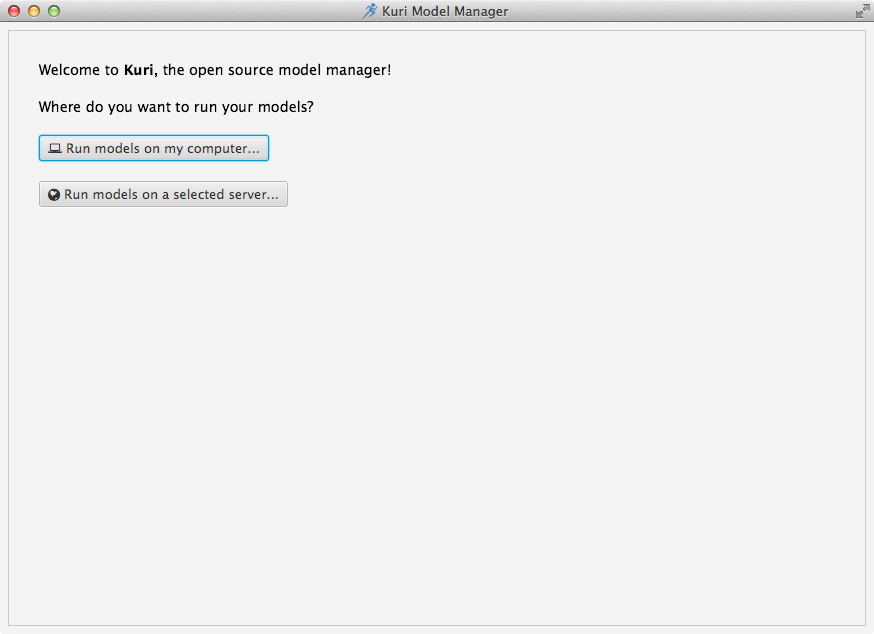
If you are trying out Kuri for the first time you should click Run models on my computer.... Doing so will launch a job server in the background, which can be used to experiment with Kuri and to test your models.
For the next step, please proceed to the Internal Job Server section.