Job Log and Results
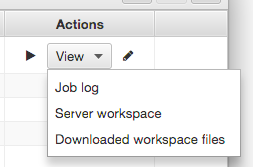
Clicking on the View action button provides a menu of options for viewing the job results:
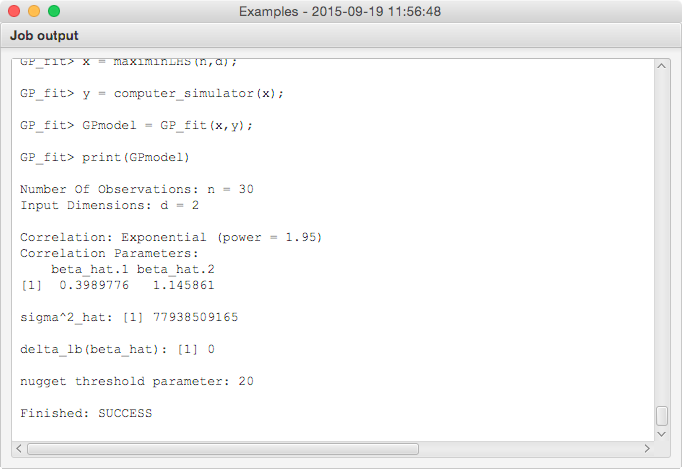
For example, the Job log option displays a text window with the console output from the job:
The complete options are as follows:
- Job log: Shows the console output from the job run.
- Server workspace: Directs the default system web browser to a web page showing the job workspace files.
- Downloaded workspace files: Displays a directory chooser dialog for saving an compressed archive of the job's workspace.