Creating a Managed Job
At this point you're all set to create jobs from your R models.
The easiest way to start the job creation process is to drag an R file onto Kuri:
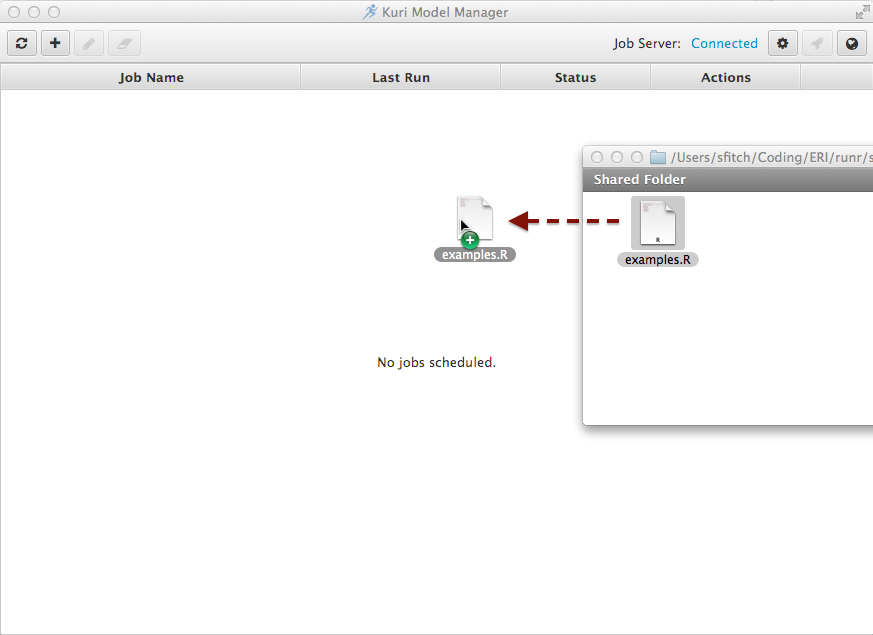
Once the R file is dropped on to Kuri, the Create new job... dialog window appears, partially filled in with several defaults.
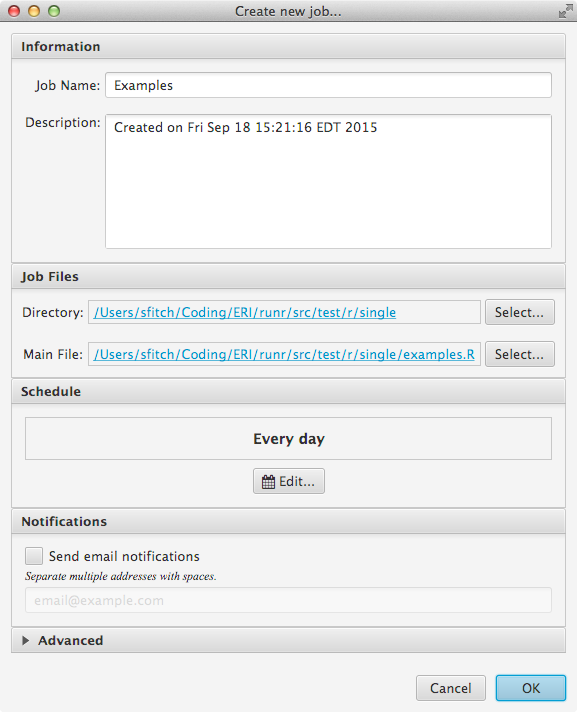
For the purposes of this "Quickstart" chapater, click OK. Doing so will cause Kuri to submit the job definition and all the files in the Job Files Directory to the background job server.
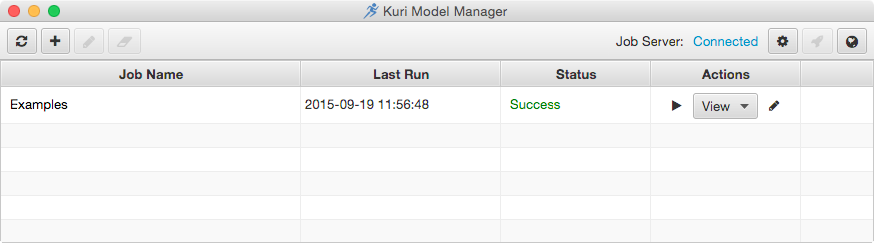
The Create new job dialog will close, and the newly created job will appeal in the jobs table.
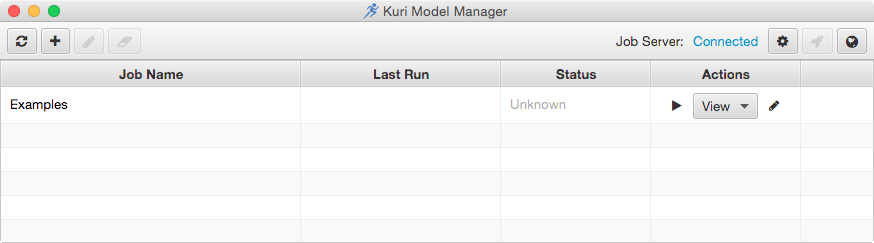
Since the job hasn't run yet, it's status is listed as unknown. To have the R module run immediately, click the triangle icon in the Actions column. The status column should change to an animated icon:
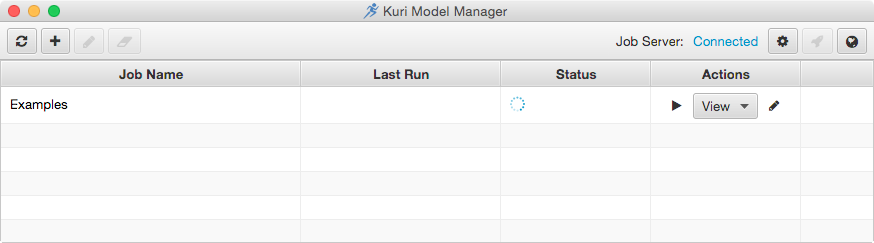
Once the job finishes running the status column is updated:
In the next section we'll see how to obtain details on the job results.